TL;DR HyperFrames rendered a 50-second promo in 48.6 seconds. Its demo matched across 300/300 frames in two renders. I gave my first promo’s motion 2/5. I’ll keep it as a draft, not use it as the finished ad.
What is HyperFrames?
HyperFrames is HeyGen’s open-source framework for making videos with HTML, CSS and animation. Scenes and their timing live in code. A browser renders the pictures, and FFmpeg turns them into an MP4. Think of a web page whose animation timeline becomes a video.
It comes with tools for checking, previewing and rendering, plus skills that guide coding agents through the workflow. For this test, the idea was to give an agent a brief and existing brand assets, then see whether I’d actually use the film it made.
I’d made a TRY404 brand promo in HeyGen, watermark and all. So when I tried HyperFrames, HeyGen’s open-source HTML-to-video framework, I had a reference sitting on disk.
The question was practical: could it remake that roughly 50-second film well enough that I’d use the result?
I wanted three answers. Would repeat renders match? How long would the render take? And would I actually like the film?
First, does the same project produce the same frames?
HyperFrames turns HTML and seekable animation into video. The renderer visits each point on the timeline, captures the picture, then encodes the frames. Think of a web page being photographed at exact moments along its animation.
For this test, I used the official 10-second Swiss Grid example. I rendered it twice, unchanged, at 30fps. Each file contained 300 video frames.
Every decoded frame matched: 300/300. The ten PNGs sampled at one-second intervals also had matching hashes. SSIM was 1.0. Even the two MP4 files had the same MD5 hash. The repeat run gave me the same pictures, right down to the decoded pixels.
That result has a fence around it. One machine. One CLI version. One example. I didn’t compare operating systems, browser builds, fonts or GPUs. It tells me this project repeated cleanly here; it doesn’t prove every HTML animation will do so everywhere.
There was a useful wrinkle. The example failed HyperFrames’ own check: three layout errors and one contrast error. It still exported, and both exports matched. A repeatable picture can still contain clipped or hard-to-read text.
Then, one pass at the actual promo
The authoring run used one fixed brief, TRY404 brand assets and the reference structure: title entrance, product benefits, logo close. There were no human HTML edits and no follow-up creative feedback rounds.
This wasn’t a blind test. The agent read the official skills, inspected the reference and used existing website assets. The product visuals were published preview images, not newly captured proof of the current apps. The Torrent404 image even identifies an older v0.1.0 build. Those are supplied illustrations of the products, not a fresh product audit.
The result was a 50-second, 1920×1080, 30fps film. The first authored brief and HTML to completed MP4 interval was about 155.6 seconds. That includes checking, previewing and evidence collection. Project initialization to the first film took about 5 minutes 26 seconds, with setup and other test work mixed in. Neither number is a clean measure of generation speed.
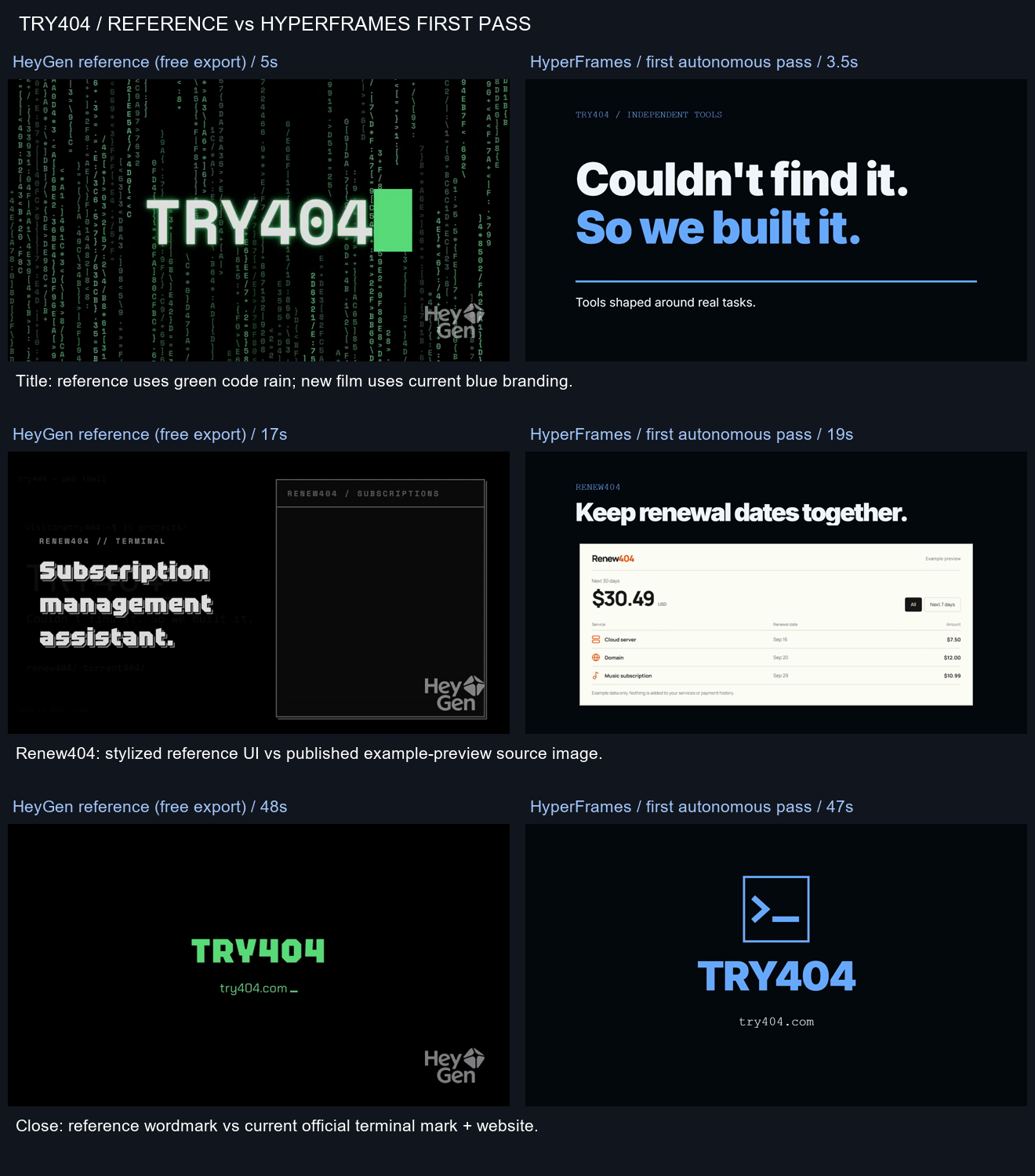
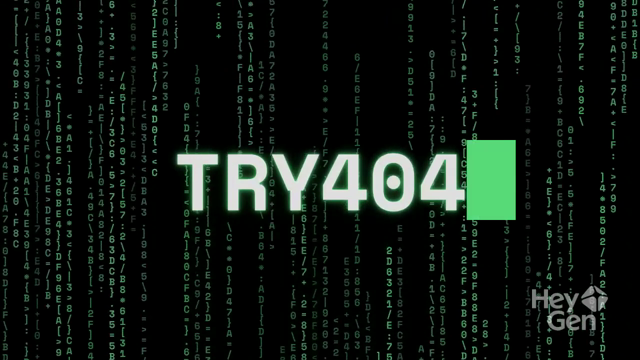
The first cut used the current blue TRY404 branding. The HeyGen reference uses green. That made the comparison less controlled, but I liked the new version’s brand consistency. It followed the reference’s structure rather than copying its pixels.
| HeyGen reference (free export) · 5s | HyperFrames first pass · 3.5s |
|---|---|
 |
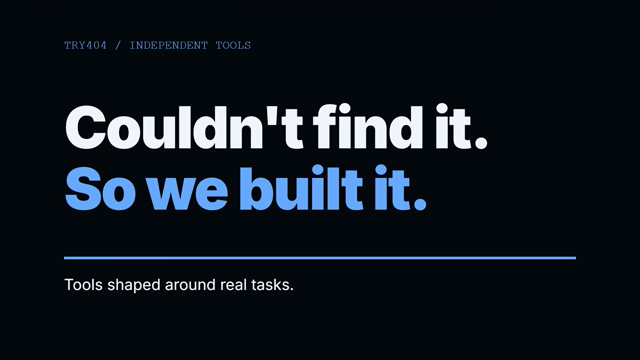 |
Green code rain in the reference; current blue branding in the first pass.
What the 48.6-second render actually means
The CLI reported 48.6 seconds to render the 50-second promo. That’s 0.972 render seconds per second of finished video. The render itself took slightly less time than playing the film.
The outer command timer was 53.70 seconds, including startup. Count that and the ratio becomes 1.074×. If you’re waiting at the terminal, budget about 54 seconds for this run.
The 10-second dynamic example took 26.3 seconds, then 24.2 seconds, by the CLI’s timer. It used screenshot capture; the promo used the drawelement capture path, with a different automatic worker setup. The two jobs took different routes through the renderer, so a longer film finishing at a better ratio doesn’t establish a general speed rule.
The logs detected the RTX 2060 hardware graphics path. A GPU reading during the render showed 37% utilization and 0% encoder utilization. Other apps were running, so those readings aren’t isolated renderer measurements. They also don’t establish hardware video encoding; using the GPU to draw a frame and using it to encode the video are separate jobs.
The film is where the gap shows
The first cut passed lint, runtime, layout and contrast checks. It still carried six craft warnings: one for silence and five for long holds. The export was technically sound, but several scenes sat still long enough to lose momentum.
The silence needs an explanation. There was no suitable local music candidate, and MusicGen wasn’t installed. I didn’t borrow the HeyGen reference’s soundtrack or call another service to fill the gap. The exported first pass has no audio track.
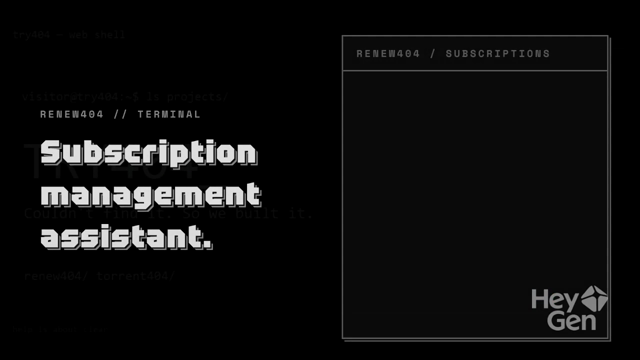
The main titles read well. The product details were less convincing on a phone. Shrinking a real preview image into a scene doesn’t make its small text readable.
| HeyGen reference (free export) · 17s | HyperFrames first pass · 19s |
|---|---|
 |
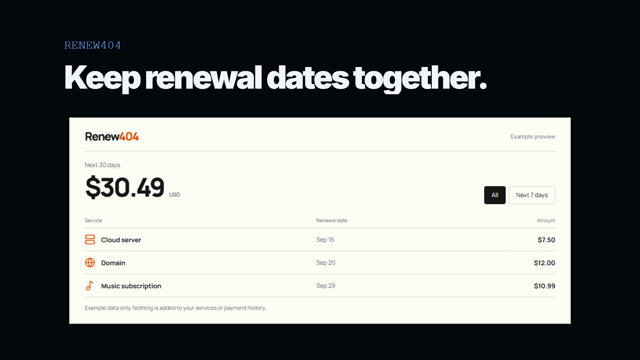 |
A stylized Renew404 scene versus a published example preview. The new version’s product text still gets small on a phone.
After watching both, these are my own scores, out of five:
| HeyGen reference | HyperFrames first pass | |
|---|---|---|
| Layout | 4 | 4 |
| Motion | 4 | 2 |
| Text readability | 3 | 3 |
The reference export is usable. The HyperFrames version is useful as a first draft, but I wouldn’t use it as the formal promo.
I’d shorten the holds, enlarge individual product details and add music before judging a second cut. That would be another round. I haven’t counted those fixes as already done.
| HeyGen reference (free export) · 48s | HyperFrames first pass · 47s |
|---|---|
 |
 |
The reference wordmark and the current terminal mark. The first pass holds the branding together; the pacing still needs work.
Where I’d use HyperFrames next
For a promo built from text, a logo and existing product images, this run gave me an editable starting point quickly. I can see myself using it for that stage of the job.
It hasn’t earned the broader claim that it replaces HeyGen’s hosted workflow. I didn’t test avatars, lip-sync, voiceover or generated footage. Rendering an assembled scene leaves those jobs untested.
I also left the separate one-prompt, 10-second lightweight authoring comparison out of this round. The static Title scaffold wasn’t counted as that test. There’s no short-task success rate hiding behind the results here.
The useful next test is a revised cut of this same promo. Keep the source and first export, make the pacing changes, then score it again. I’d want to see the motion improve before calling the job finished.
If you’ve shipped a film with it: finished piece, or first-draft machine?
Method
Tested on Windows with an i5-10400, RTX 2060 and 48GB RAM; HyperFrames CLI 0.8.200, Node.js 24.20.0 and FFmpeg 8.1.1. Existing tools and browser caches were already on the machine, so this wasn’t a clean-install test. These are results from this setup.
The authoring agent was gpt-6.1-sol at medium reasoning effort, using the official HyperFrames skills.
The reference was a free HeyGen export, about 50 seconds at 720p/25fps, watermark kept as-is. Scores are my own, and the comparison wasn’t blind or made from identical source assets.
Project: heygen-com/hyperframes